

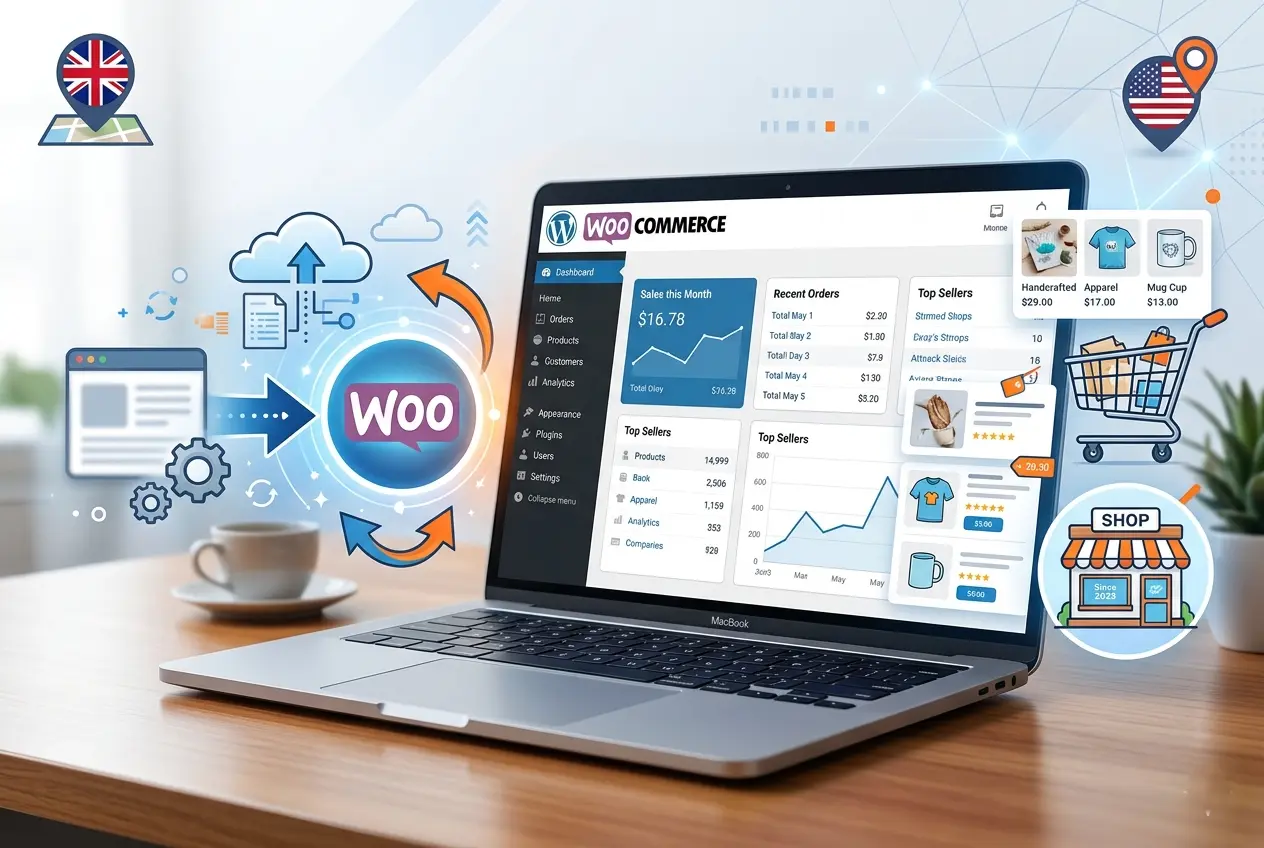
Migrate Your Small Business Website to WooCommerce can feel daunting, but with careful planning, it’s achievable without losing SEO rankings or disrupting sales. WooCommerce is an open-source, flexible platform that integrates seamlessly with WordPress, offering full ownership of your eCommerce store, scalable growth, and powerful plugin options.
Why Migrate to WooCommerce?
Lorem ipsum dolor sit ame
Many small businesses move from platforms like Shopify, Wix, or Magento to WooCommerce to gain:
- Full control over site design and functionality
- Cost-effective hosting options in the UK/USA ($5–$20/month)
- Better SEO management and flexible plugin ecosystem
- Advanced product import/export tools for inventory management
WooCommerce is especially ideal for entrepreneurs and small business owners seeking a balance of control, affordability, and scalability.
t, consectetur adipiscing elit. Ut elit tellus, luctus nec ullamcorper mattis, pulvinar dapibus leo.
Step-by-Step
Migration Process
- Backup Your Current Website – Protect your content, products, and customer data before migration.
- Install WordPress & WooCommerce – Choose reliable hosting (Bluehost, Hostinger, WP Engine) and install the latest WordPress and WooCommerce versions.
- Import Products & Content – Use migration plugins like Cart2Cart or WP All Import for smooth data transfer.
- Configure Payments & Shipping – Set up local payment gateways like Stripe and PayPal, and regional shipping options for UK and USA customers.
- SEO Preservation – Implement 301 redirects, maintain meta data, and verify search engine indexing.
- Test Checkout & Functionality – Ensure all product pages, payment methods, and shipping workflows operate correctly.
- Launch & Monitor – Go live with continuous monitoring to catch errors early.
Tools & Plugins
to Consider
- Cart2Cart: Automates migration from Shopify, Wix, and other platforms.
- WP All Import: Handles large product catalogs efficiently.
- Yoast SEO / RankMath: Maintains SEO health during migration.
Costs & Budget Considerations
| Expense | Typical Range (UK/USA) |
| Hosting | $5–$20/month |
| Developer / Expert | $100–$800 per migration |
| Premium Plugins / Themes | $30–$150/year |
Costs vary based on store size, complexity, and region.
Common Mistakes
to Avoid
- Skipping backups or testing checkout flow
- Ignoring SEO preservation and redirects
- Choosing incompatible plugins or themes
- Overlooking GDPR/PCI compliance for UK/USA users
Platform Comparisons
| Feature | WooCommerce | Shopify | Wix |
| Ownership | Full | Limited | Limited |
| Flexibility | High | Medium | Medium |
| Cost | Low | Medium-High | Medium |
| SEO Control | High | Medium | Medium |
WooCommerce excels in control, cost efficiency, and SEO flexibility, making it the preferred choice for small business migrations.
Conclusion
Migrating your small business website to WooCommerce empowers you with greater flexibility, control, and SEO benefits. By following a structured migration process, leveraging reliable plugins, and considering regional hosting and compliance needs, your store can transition smoothly without data loss or downtime. Begin with careful backups, execute step-by-step migration, and monitor your launch for maximum success.
No Comments